
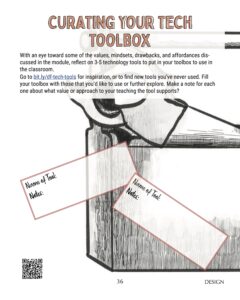
[{“Name of Tool”:”Canvas”,”Notes”:”Extremely helpful and many ways. Gives a home base for organizing and distributing class materials. When used effectively it can be a reference
Let us know if you are experiencing an issue. We will grab info about what page you are on when you reported this problem, but let us know anything you're seeing that is strange!
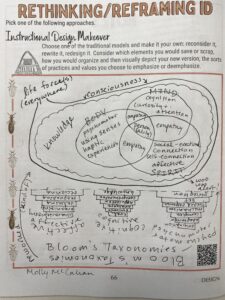
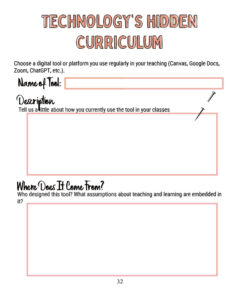
This page is your personal workspace in Design Forward. Whenever you complete an activity in a module, it will be posted here. In addition, you can add portfolio items at any time. At the bottom of the page, you will see a gray bar with options to add images, files, videos, text reflections, or workbook pages.
On the right, you will see your most recent comments and annotations as well as any questions you’ve asked.
Your portfolio lives outside of any individual module — it is available across your entire Design Forward experience. If you click on the Participants link you will be able to see everyone else participating in a module and visit their portfolios. They can visit yours as well.
Take some time to explore the options in your portfolio; you don’t need to add anything at this time. When you’re done click the “Back to the Map” button.
At the end of this stop in the Orientation journey, you will have