It’s a love/hate relationship
I know that technology isn’t going to go away and honestly I do love the tools we have access to and how we can utilize

I know that technology isn’t going to go away and honestly I do love the tools we have access to and how we can utilize
This semester in particular but previous ones as well have been fraught with technology mishaps and I find myself continuing to try the same things

Imagine a tool that could interpret the inherent language of any profession. We know that there are words, acronyms, expressions that are used by professors,
In thinking about the goal(s) I had for myself while participating in this module I have decided that validation of my current technology choices is
After re-reading my goals for this module I’m not sure if my goals were exactly met but I do feel I have more information to
My goals (reasons) for participating in this module are similar to those expressed by many others already. I want to learn more about what others
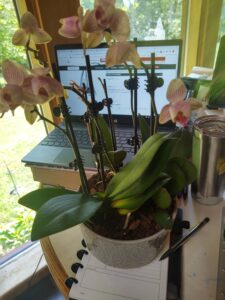
I am using one of my orchids (I have many) as a metaphor for teaching and learning because like our students, and ourselves as well,