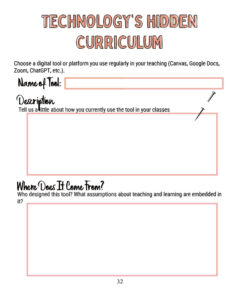
Workbook Page

What are you hoping to learn more about? I am hoping to learn about student-led and emergent learning experiences, and project-based learning. What do you
The three values I listed were: Fun – Enjoyment- Pleasure (I want students to genuinely look forward to the 100 minutes they spend with me
I’ve enjoyed thinking and learning about technology and tools with everyone these past couple weeks. I really liked Martha’s three words to keep in mind
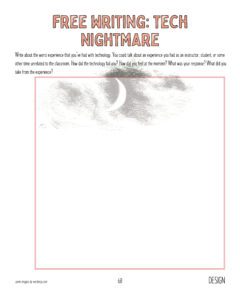
Probably my most memorable time having a technology fail during class was using someone else’s lesson plan without a trial run beforehand. There was an
Stumbled across this quote today and thought it was applicable to our discussions in Tech and Tools. When you invent the ship, you also invent
The past few semesters I have been doing my best ostrich impression. Do they actually do that? I don’t know. But you know what I
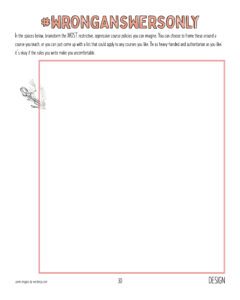
Attendance Your presence is important not just for your own growth and understanding, but for your classmates and the professor. If you cannot attend class,
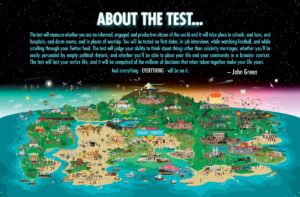
I have this poster in my office. It is a quote from John Green in the early days of Crash Course World History. It reads