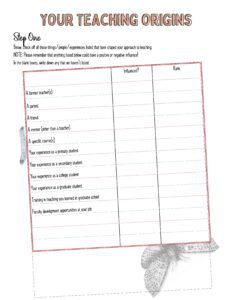
Reflection-Soule
One thing I’ve been thinking about for the last year or so, that I didn’t comment on in the work for this module (so something

One thing I’ve been thinking about for the last year or so, that I didn’t comment on in the work for this module (so something
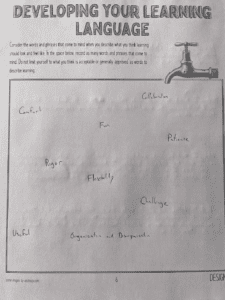
Attached, please find my 2 submission pages for this Developing Learning Language Activity
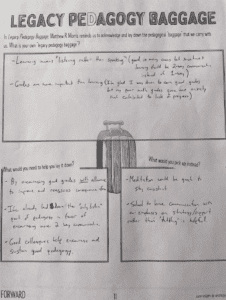
Attached please find an image of the handwritten submission I produced for this activity.
The big understanding I am coming back to after working in this module is the idea that I’m not alone. I feel like such a
It seems like a cop-out, but I would have to identify the remote teaching between March and May 2020 as the worst experience with technology.

I am not a history teacher who uses a ton of films (Hollywood or documentary or whaty have you) in my classroom, but on the
A pretty sincere goal I have is as an educator to network with other educators and get some comfort (haha) with my resistance to technology.
This is a just a silly picture of my dog hanging out in my son’s tent. Having a dog (especially a really intelligent breed) helps